

How to Cancel Your ChatGPT Subscription
Engadget - Technology News & Expert ·
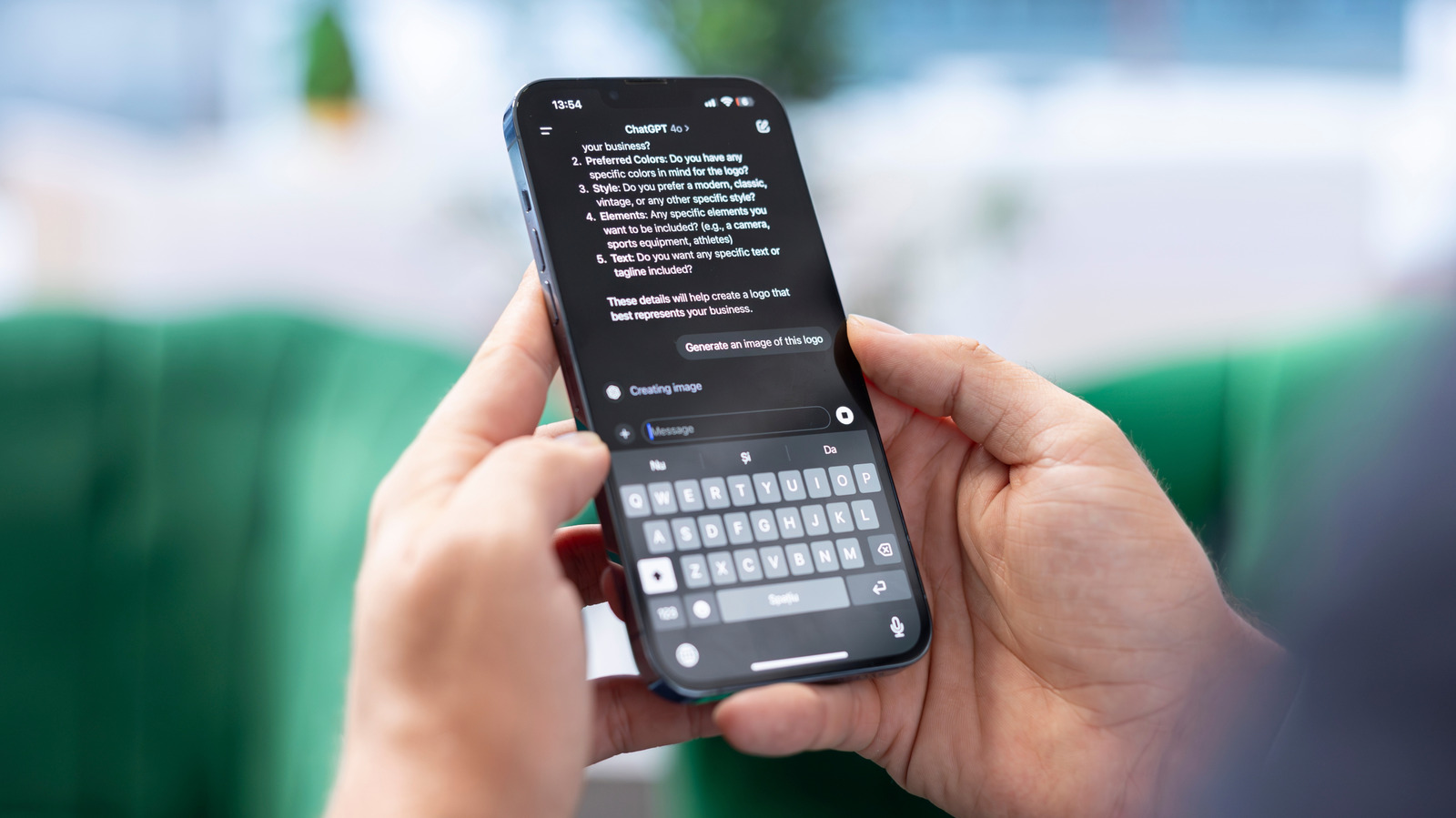
Canceling your ChatGPT subscription is quite a simple process. However, canceling your subscription only stops the billing; you may need to take additional steps, such as deleting your account or preventing new chats from being included in model training.
The benefits of a paid plan apply to users who often hit the limits of the free version. If this does not apply to you, the rationale for continuing your subscription may diminish.
Following OpenAI's agreement with the U.S. Department of Defense, some users chose to uninstall the app. This led to subscription cancellations, as well as users discontinuing their use of ChatGPT due to security concerns. Canceling your subscription does not delete your existing chats; therefore, you may need to take additional measures to protect your data.
After canceling your subscription, you do not immediately lose your paid features. The cancellation takes effect after the next billing date, and you can continue to use the services during the current period.