

How to Disable AI Features on iPhone?
Engadget - Technology News & Expert ·
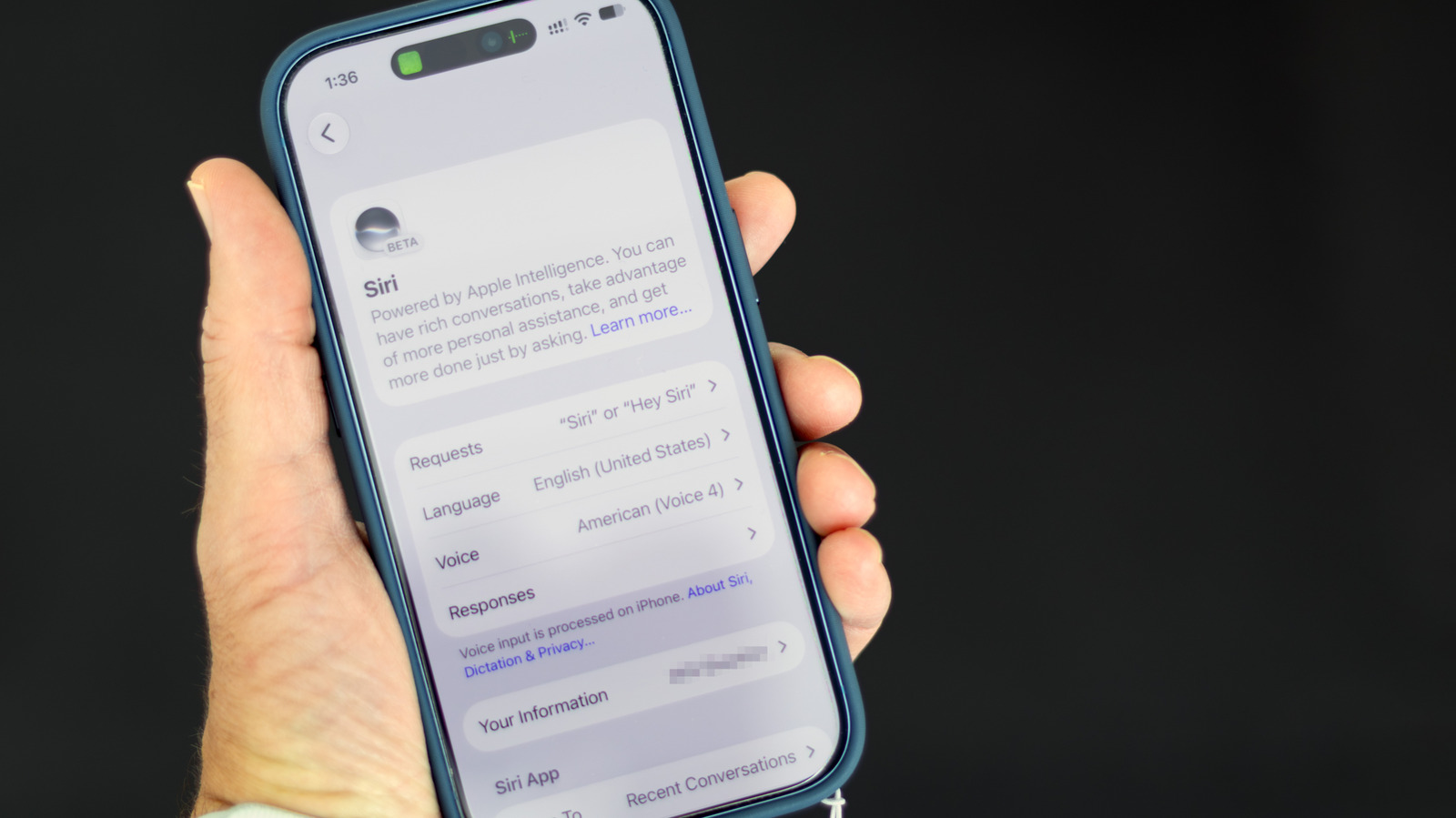
Apple continues to enhance AI features on iPhones. However, with iOS 27, disabling these features has become more complex. Users can turn off Siri or revert to an older version, and they can also disable message and notification summaries. Additionally, there are options to disable AI suggestions in email and phone applications. Users can also block other AI-based features such as writing tools and visual generation. These settings can be found in your iPhone's settings menu.