

7 Easy Ways to Enhance Your iPhone's Privacy
Latest from Tom's Guide ·
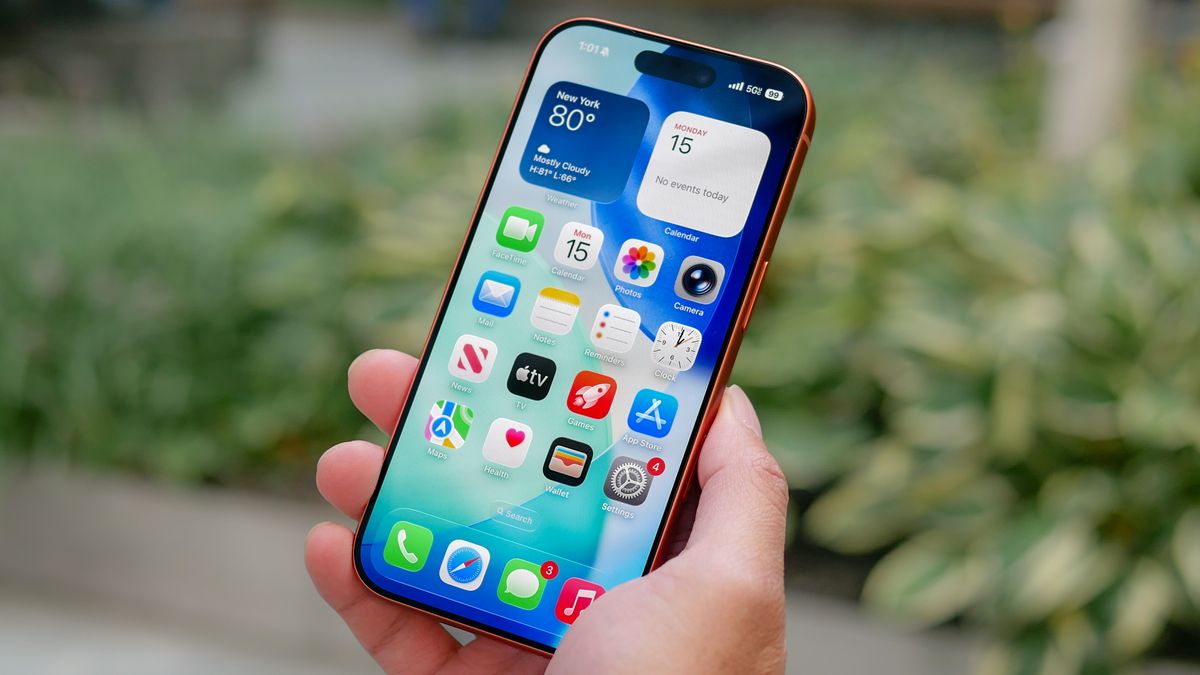
Recently, an online shared 'privacy screen' trick has prompted iPhone users to review their privacy settings. A user asked ChatGPT to audit the privacy settings of their iPhone, resulting in a total of seven key recommendations. These settings include simple yet effective methods such as hiding notification previews, locking apps with Face ID, and reviewing location permissions. Additionally, it was suggested to review shared information using the 'Security Check' feature and to audit camera/microphone permissions. Implementing these settings allows users to take significant steps in protecting their personal information.